
AION 2 Beginner Guide: Classes, Builds and First Steps
Start AION 2 with a practical beginner checklist: choose a class, coordinate your faction, learn combat and plan early upgrades without wasting resources.
Start AION 2 by choosing a class you will enjoy learning, joining the same region and community as your friends, and following the game’s progression prompts. Keep your first build small enough to understand. You can add more specialized choices once ordinary combat feels comfortable.
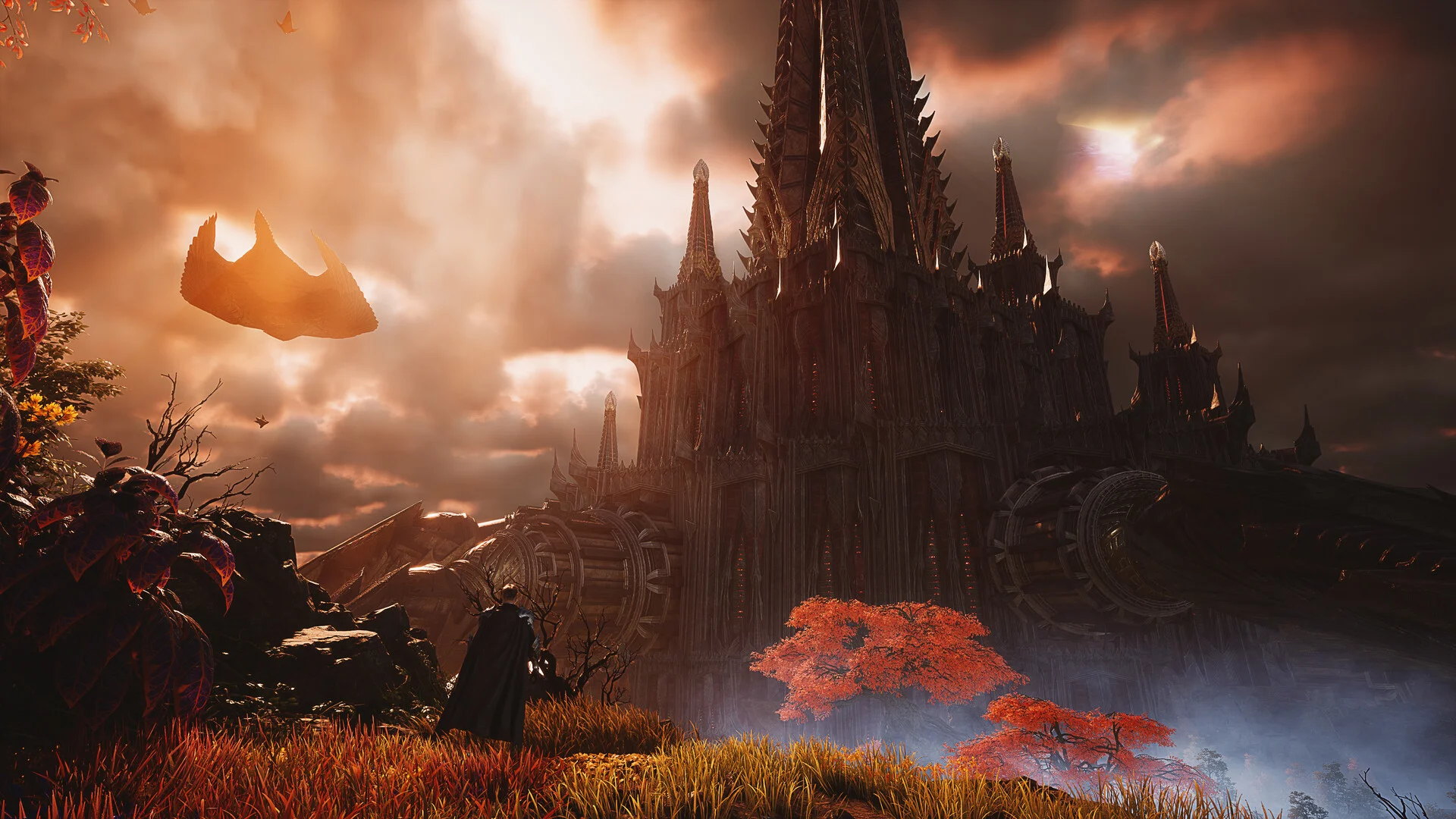
Plan progression around the regions you are already visiting. Official NCSOFT media; visual context, not a build interface.
1. Make the social decisions first
Agree a region, server and faction with friends before creating characters. Do not assume a dungeon grouping option also guarantees a shared questing route. Our Elyos or Asmodians guide separates the social choice from appearance and supposed faction power advantages.
For a class, answer a practical question: do you want to lead the frontline, track teammates, fight at range or commit to melee? Use the tier list to compare those jobs. An S rating in coordinated PvP may be a poor reason to choose a class if you mainly plan to quest alone.
2. Learn the core combat loop
Identify the attack you repeat, how you recover resources and which action helps you escape danger. Bind those comfortably before adding every unlocked skill. Read activation conditions when a skill does not work; repeatedly pressing it will not solve a missing prerequisite.
Practice on predictable enemies. Try a small pull, move out of one dangerous action, and return to attacking. That simple exercise exposes problems a complicated imported macro can hide. Keep recovery and defensive responses accessible rather than burying them inside an attack sequence.
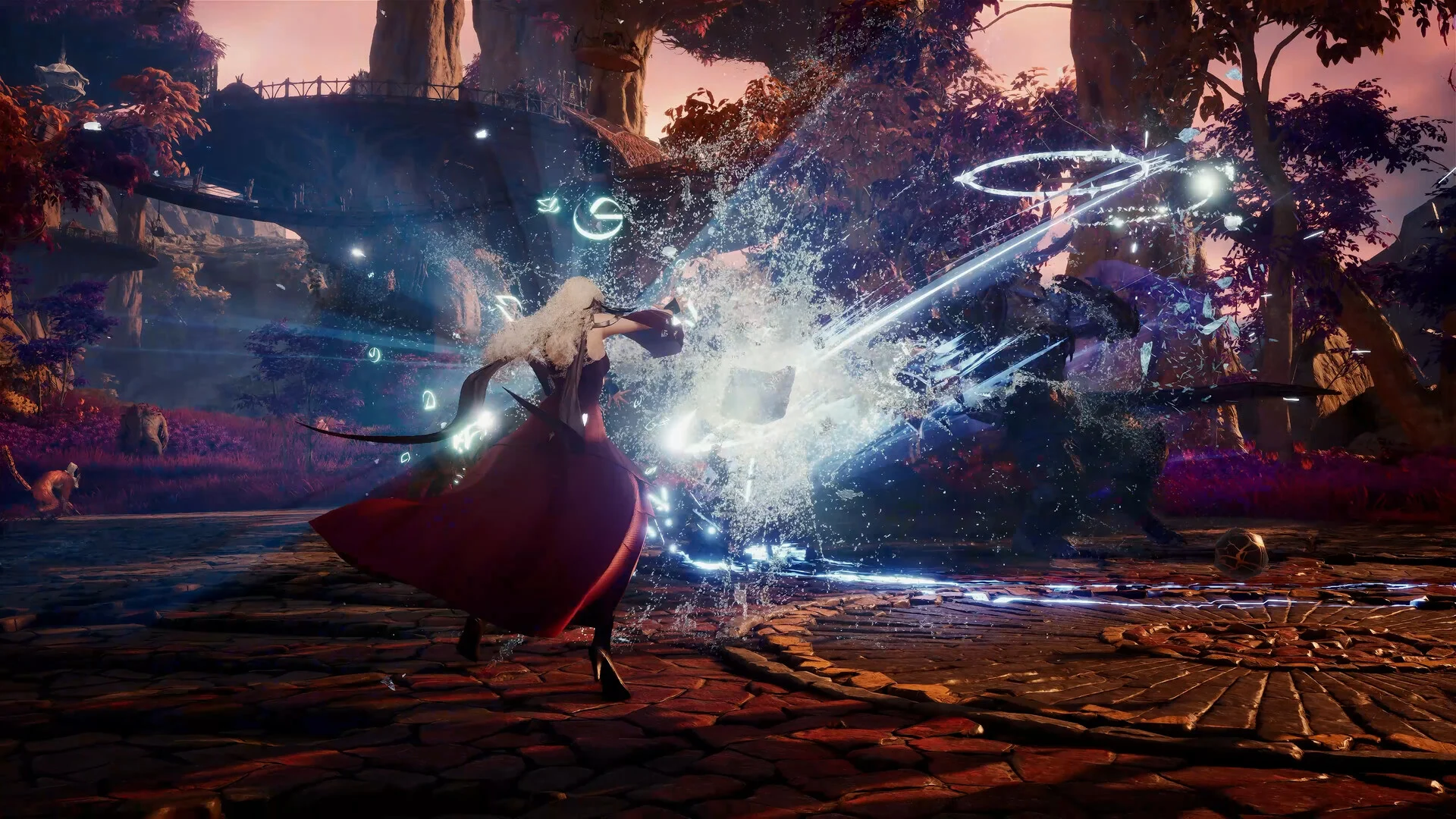
Use real encounters to learn movement before optimizing an attack sequence. Official NCSOFT media; visual context, not a build interface.
3. Spend resources on a specific problem
Do not upgrade a temporary item simply because the enhancement button is available. Ask whether the upgrade fixes a real obstacle: a required entry condition, too little damage or a repeated survival problem. Compare replacement options before using scarce materials.
Mobalytics’ October beginner guide highlights early Expedition access, avoiding excessive investment in leveling gear, and reviewing specialties as they unlock. It also discusses titles, pets and other progression bonuses. Use that information to inspect the systems introduced by your current client rather than trying to maximize all of them immediately.
4. Build a repeatable session checklist
At the start of a session, check the quest you are pursuing, your inventory space and the next useful upgrade. At the end, claim completed rewards and decide what tomorrow’s objective will be. Keeping that short list makes it easier to tell whether an optional activity helped you progress.
Mix exploration into routes you already travel. Read the Essence Extraction guide before spending a long session chasing one material. Use the Hidden Cube guide when you have the appropriate keys and a map open; an empty marker is not proof that your account is broken.
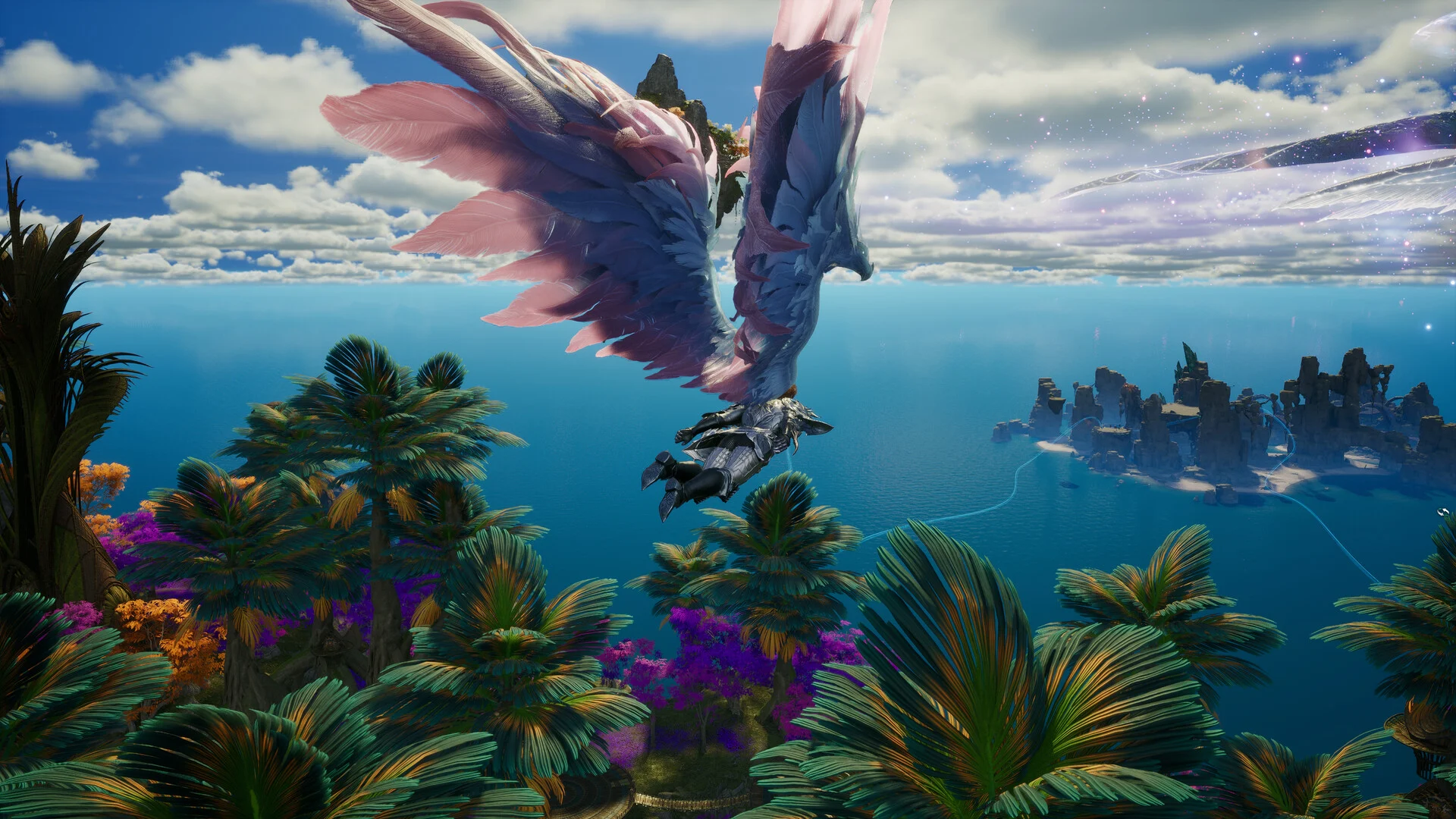
Travel and vertical terrain belong in your route planning. Official NCSOFT media; visual context, not a build interface.
5. Prepare for group content
Read the party’s goal before joining. Ask what your role needs to provide, and bring a setup that matches it. A Cleric might need more recovery during learning attempts than in a practiced group, while a Templar should know where to hold the enemy.
After a failed attempt, identify one cause to fix. Changing several equipment pieces, every Stigma and the entire rotation at once makes the next result difficult to interpret. Improvement is easier when you can explain why the change should help.
Global version and sources
Reviewed October 14, 2026. NCSOFT’s Global site provides official announcements; the linked Mobalytics guide supplies the progression-system reference. Planning and practice recommendations here are editorial advice. Regional guides can describe different unlocks, so check your current client before copying a level cap or equipment requirement.
Related Articles
classes
AION 2 Assassin Build Guide: Global PvE, PvP and Solo
AION 2 Assassin build guide for Global: skill priorities, party role, solo adjustments and PvP decisions, with sources and clear limits.
classes
AION 2 Chanter Build Guide: Global PvE, PvP and Solo
AION 2 Chanter build guide for Global: skill priorities, party role, solo adjustments and PvP decisions, with sources and clear limits.
classes
AION 2 Cleric Build Guide: Global PvE, PvP and Solo
AION 2 Cleric build guide for Global: skill priorities, party role, solo adjustments and PvP decisions, with sources and clear limits.
Was this helpful?
Thanks for the feedback!